
Geekflare Connect
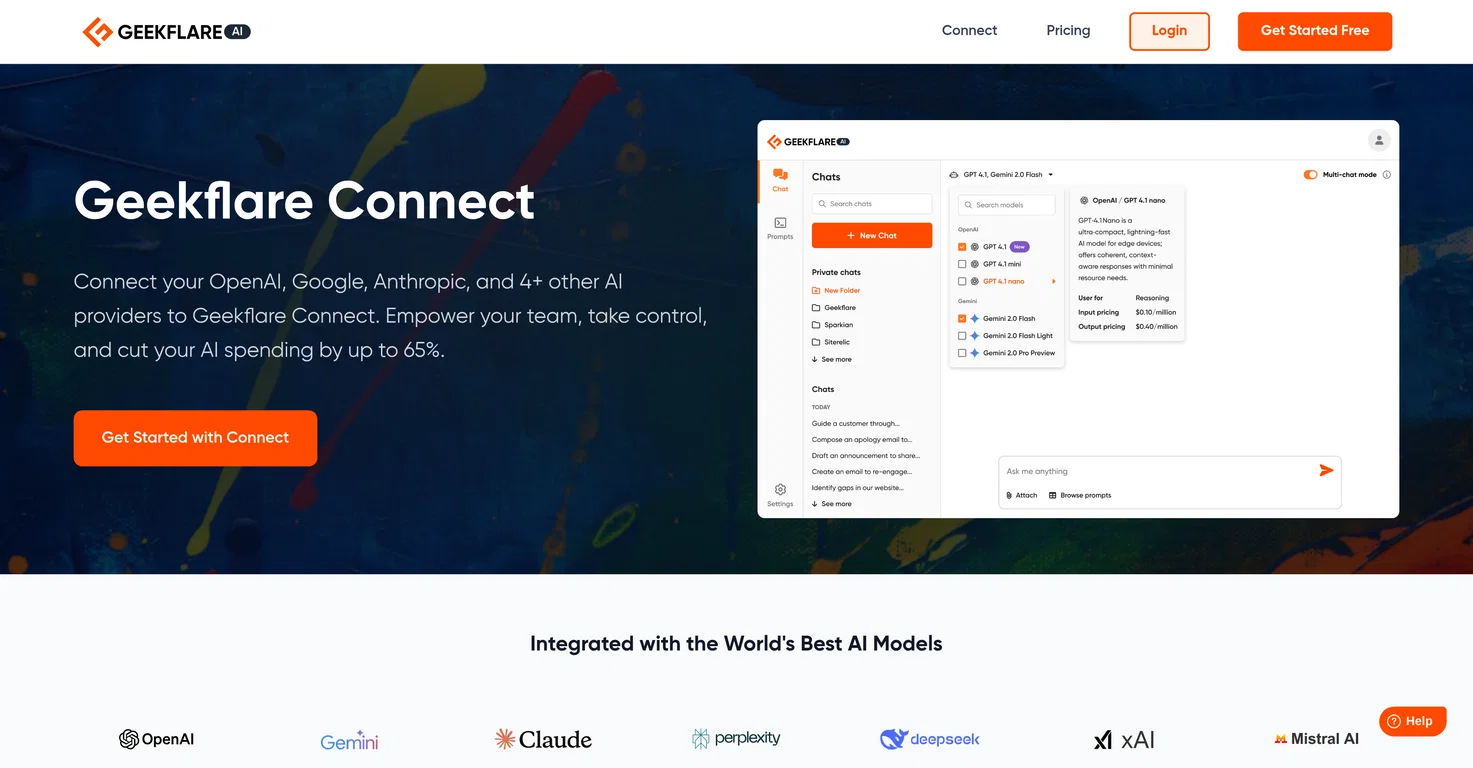
Geekflare Connect provides a collaborative platform for AI operations. Users are able to connect their AI keys from providers such as OpenAI, Google, Anthropic and others, eliminating the need for multiple browser tabs and centralizing their models in one workspace.
Through unified multi-provider support, users can also compare responses from various models like GPT-4, Gemini 2.5 and Claude 4 side-by-side, aiding in making decisions on the best output for their tasks; they can also access real-time data through live web access.
The platform features an advanced chat experience, where users can easily organize conversations, search their full chat history, and share it with their teams.
On the administrative side, it provides a complete view of the team’s chat history and token usage across all connected providers, offering a prompt library to kickstart tasks.
In terms of set-up, it strives for simplicity allowing users to sign up, add API keys, and start interacting with models in a few minutes. Geekflare Connect also caters to various departments such as marketers, founders and managers, support teams, and engineering teams, aiding in brainstorming to publishing workflows.
Pros and Cons
Pros
Collaborative platform
Unified multi-provider support
Side-by-side model comparison
Live web access
Unified multi-provider support
Side-by-side model comparison
Live web access
Cons
Data privacy concerns
Possible tool complexity
Requires multiple API keys
Team collaboration complexities
Possible tool complexity
Requires multiple API keys
Team collaboration complexities
What AI providers can Geekflare Connect support?
Geekflare Connect supports AI providers such as OpenAI, Google, Anthropic and more, eliminating the need for multiple browser tabs and centralizing the models in a unified workspace.
What is the process for setting up Geekflare Connect?
The setup process for Geekflare Connect is simple and user-friendly. Users first sign up for an account on Geekflare Connect. They can then securely add their API keys from one or more providers in their settings. Once the keys are added, users can immediately start interacting with their models in the interface.
How does the side-by-side model comparison feature work on Geekflare Connect?
The side-by-side model comparison feature on Geekflare Connect allows users to compare responses from various models like GPT-4, Gemini 2.5 and Claude 4 instantly on a unified platform. This feature enhances quick decision-making by finding the best output for tasks more efficiently.